Here is some FAQ( Frequently asked questions ) of the newest version OpenShell XDOS v2017.12
CnAutotool hopes it’ll help you
Here you go:
Q: X86 or 64-bit Windows? HHT-Win?
A: NO HHT win. Win x32
Q: what hard disk capacity to be used?
A: 250 TO 350 GB HDD will be ideal.
Q: which acronis boot disk to be used to install the image ?
A: Restore the Image using Acronis Premium 2014 use Acronis Universal restore
Q: which laptops do you recommend ?
A: I recommend any good specs laptop
Q: does it support mb star c3 for older cars?
A: it dose not support C3
Q: i have Chinese Mb Star Connect C5 can i use it with that?
A: I have not tried on C5 but SDconnect C4 definitely yes
Q: I can’t install on Lenovo T500, have a blue screen of death
A: You need to prepare all your computer’s necessary drivers on a USB stick so Acronis can install them in the compatibility mode at the time of unpacking to hard drive.
Q: Should i have a XDOS HDD version or SSD?
A: SDD better, runs faster and more stable.
Q: I can not install OpenShell XDOS 2017.12 on 32 bit operating system, it comes to 439 and is automatically uninstalled. Does anyone have such a problem?
A: for windows 32bit, you have to edit xentry diagnostics openshell.msi with orca. look at updated first page again.
or you can pm someone which has the file already patch.
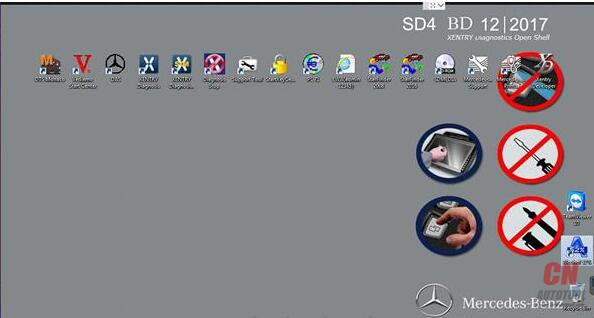
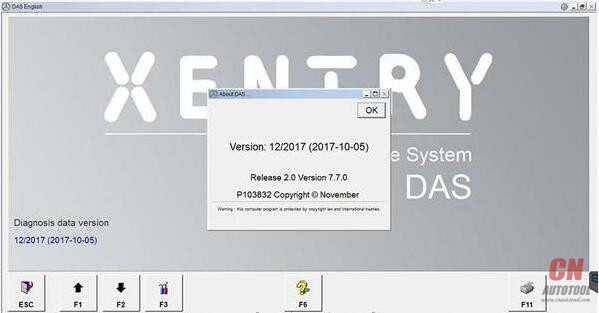
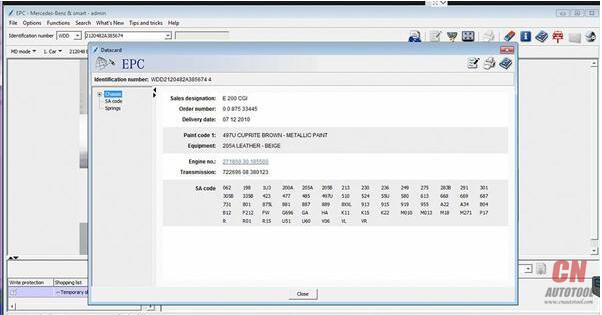
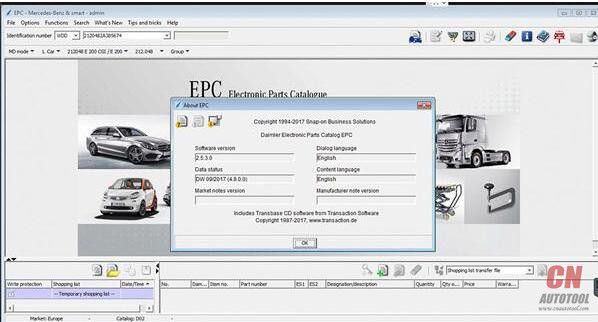
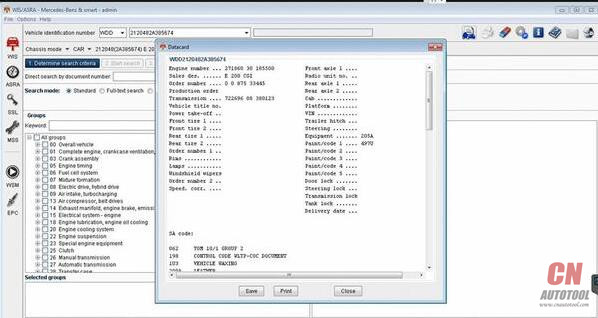
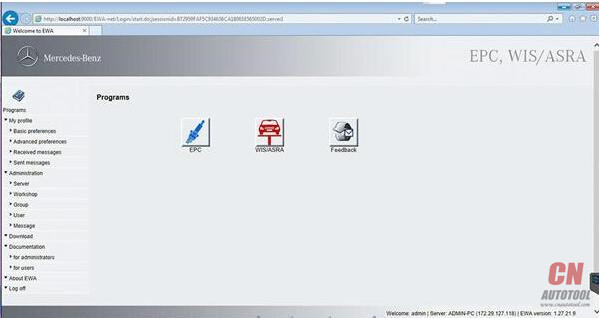
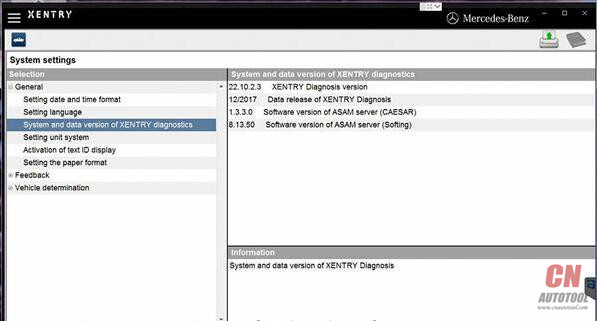
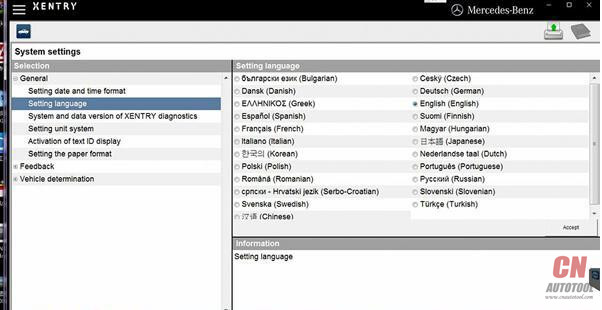
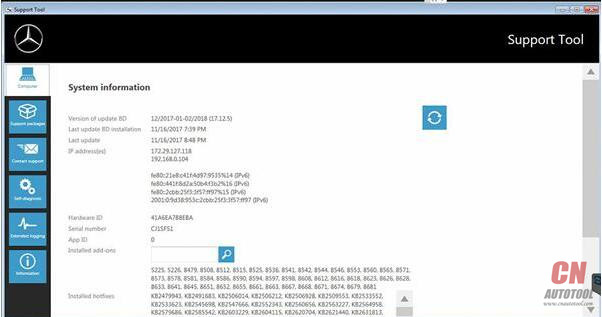
OpenShell XDOS 2017.12 images:


http://obdscanner.info/2018/03/10/openshell-xdos-2017-12-issues-and-solutionscollection/
CnAutotool hopes it’ll help you
Here you go:
Q: X86 or 64-bit Windows? HHT-Win?
A: NO HHT win. Win x32
Q: what hard disk capacity to be used?
A: 250 TO 350 GB HDD will be ideal.
Q: which acronis boot disk to be used to install the image ?
A: Restore the Image using Acronis Premium 2014 use Acronis Universal restore
Q: which laptops do you recommend ?
A: I recommend any good specs laptop
Q: does it support mb star c3 for older cars?
A: it dose not support C3
Q: i have Chinese Mb Star Connect C5 can i use it with that?
A: I have not tried on C5 but SDconnect C4 definitely yes
Q: I can’t install on Lenovo T500, have a blue screen of death
A: You need to prepare all your computer’s necessary drivers on a USB stick so Acronis can install them in the compatibility mode at the time of unpacking to hard drive.
Q: Should i have a XDOS HDD version or SSD?
A: SDD better, runs faster and more stable.
Q: I can not install OpenShell XDOS 2017.12 on 32 bit operating system, it comes to 439 and is automatically uninstalled. Does anyone have such a problem?
A: for windows 32bit, you have to edit xentry diagnostics openshell.msi with orca. look at updated first page again.
or you can pm someone which has the file already patch.
OpenShell XDOS 2017.12 images: