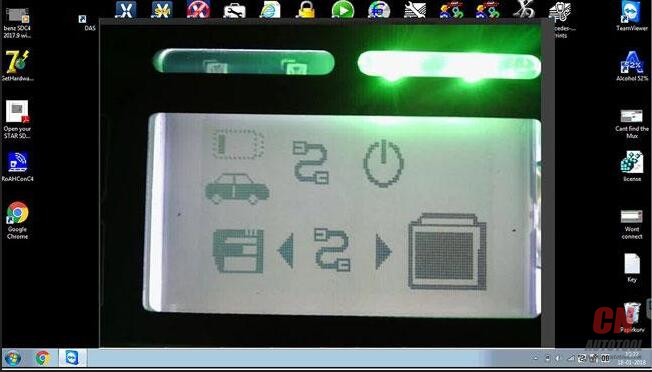
Unscrew
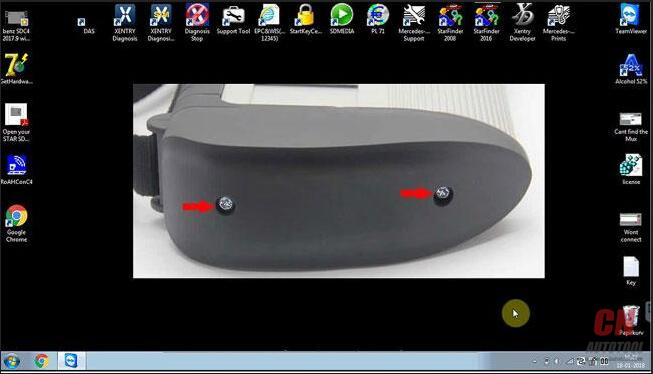
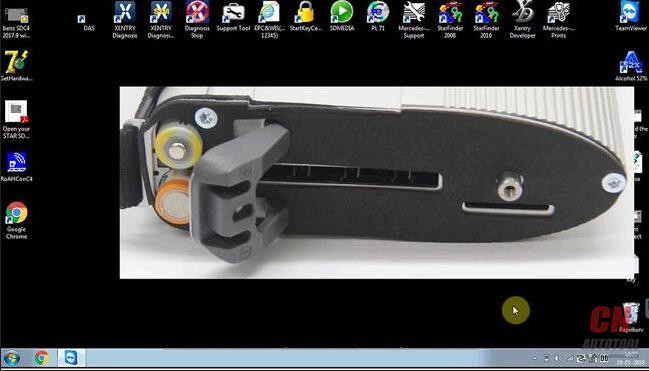
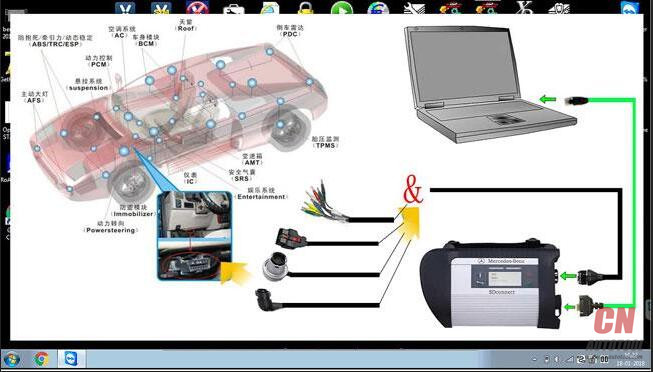
This is correct wiring diagram.
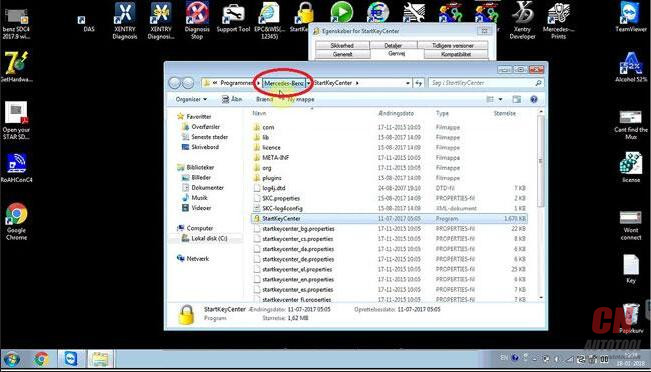
Right click on the icon “StartKeyCenter”, then “Properties” – “Find target”
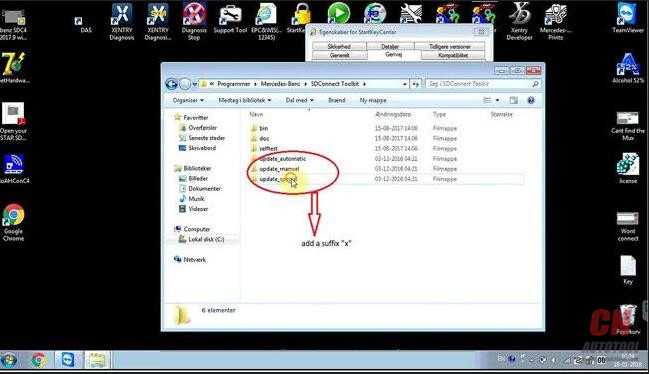
On the desktop, right click on “StartKeyCenter”, then option “Properties” – “Find target” – “Mercedes Benz” – “Sdconnect ToolKit”, rename the last 3 folder, delete the final letter”x”
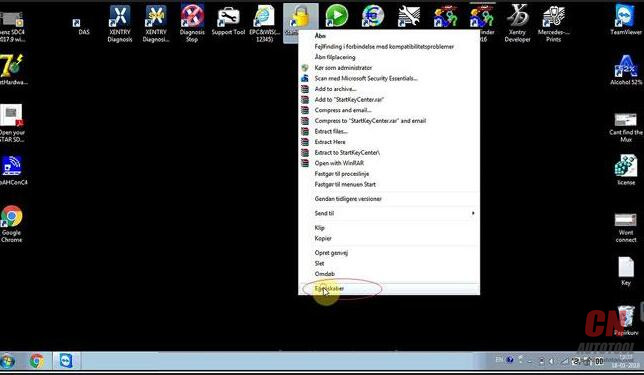
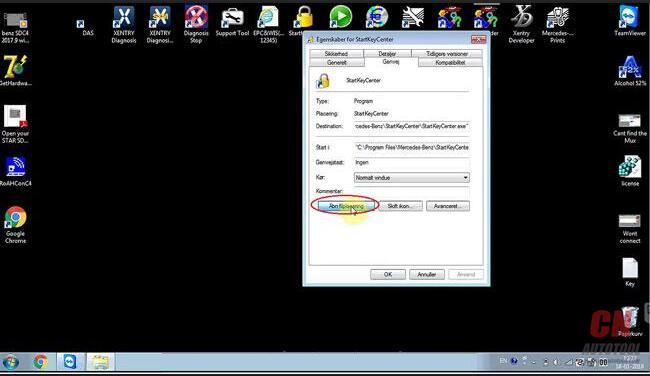


At the right corner of the desktop, click “Administrator”.

This toolkit is being initialized
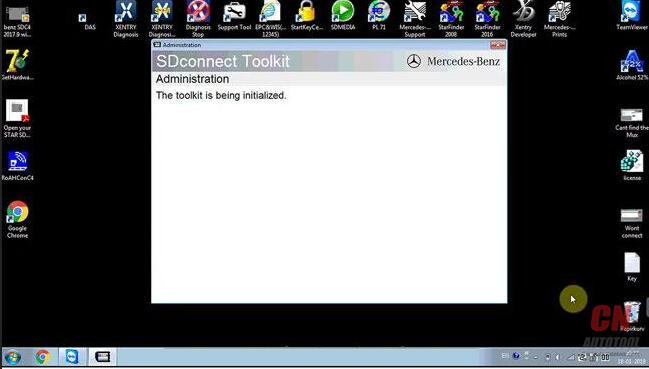
Click “00/Cable Accessible”
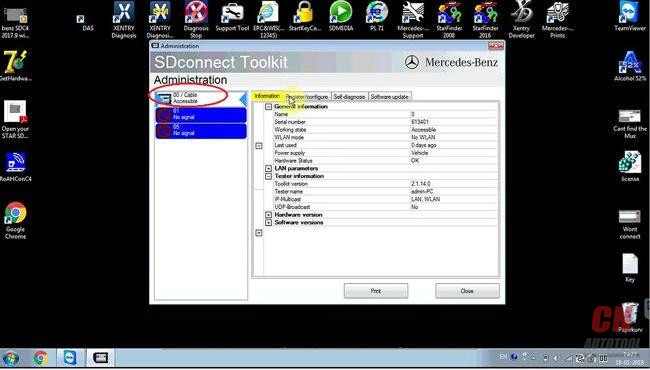
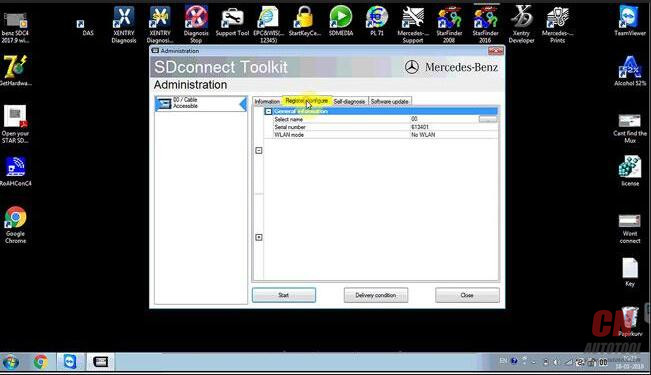
Click on “Register / Configure”
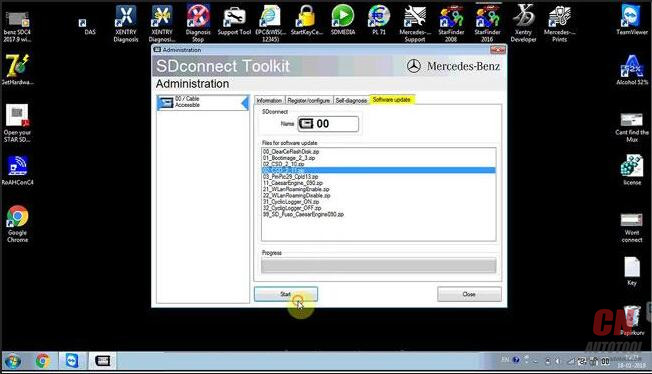
Update “CSD_2_11.zip”
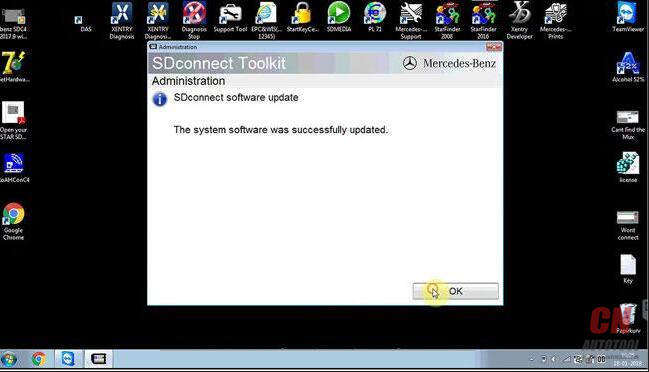
The system software was successfully updated.26-14
Back to update “Bootimage_2_3.zip”
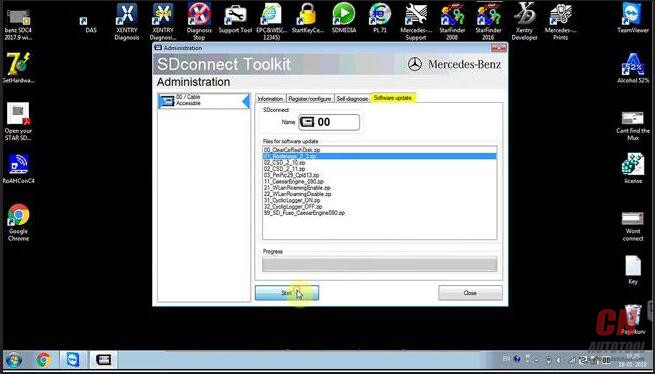
The system software was successfully updated.
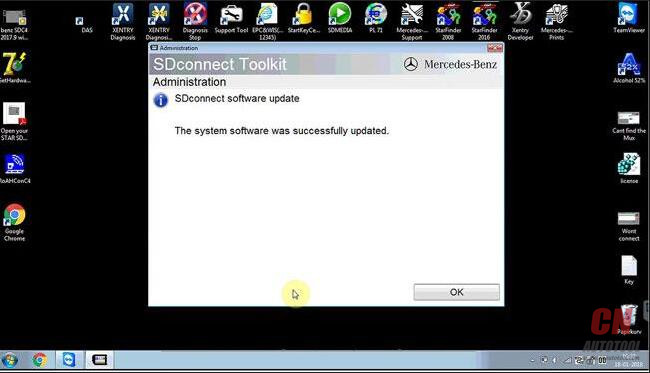
Back to click on “00/ Cable Accessible”
You see it’s accessible.

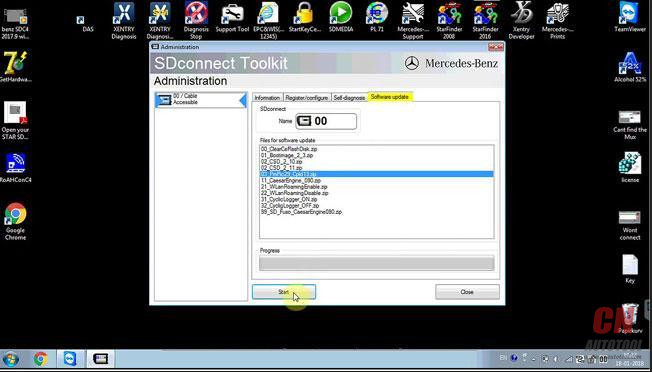
Click on “Software update”, then “03 PMpic29_cpld13.zip”
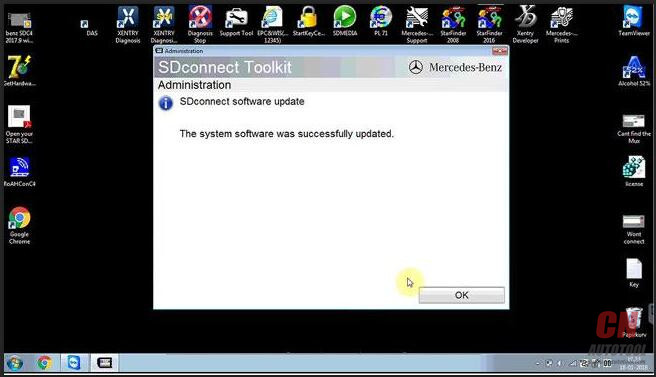
The system software was successfully updated.
Check the information

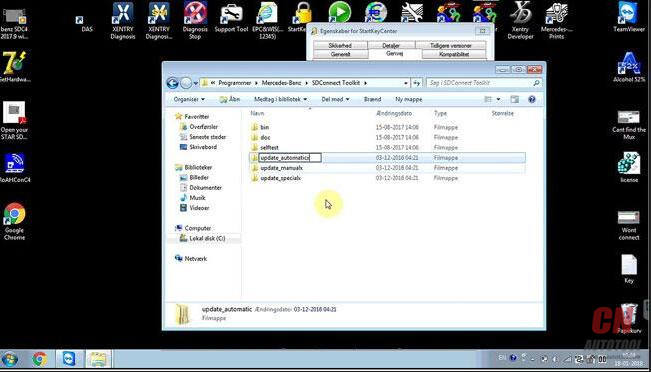
Back to the desktop, right click on “StartKeyCenter”, then option “Properties” – “Find target” – “Mercedes Benz” – “Sdconnect ToolKit”, rename the last 3 folder, add a suffix “x”

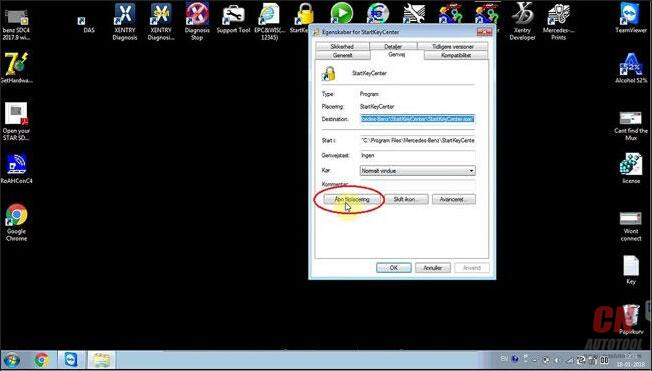
Done
SDC4 tech support supplied by http://www.cnautotool.com
http://obd2scantool.net/2018/03/10/solved-sdc4-setting-failure-and-configuration-dont-work/

没有评论:
发表评论